Nobody Remembers Your UI
How memory decay shapes every interaction
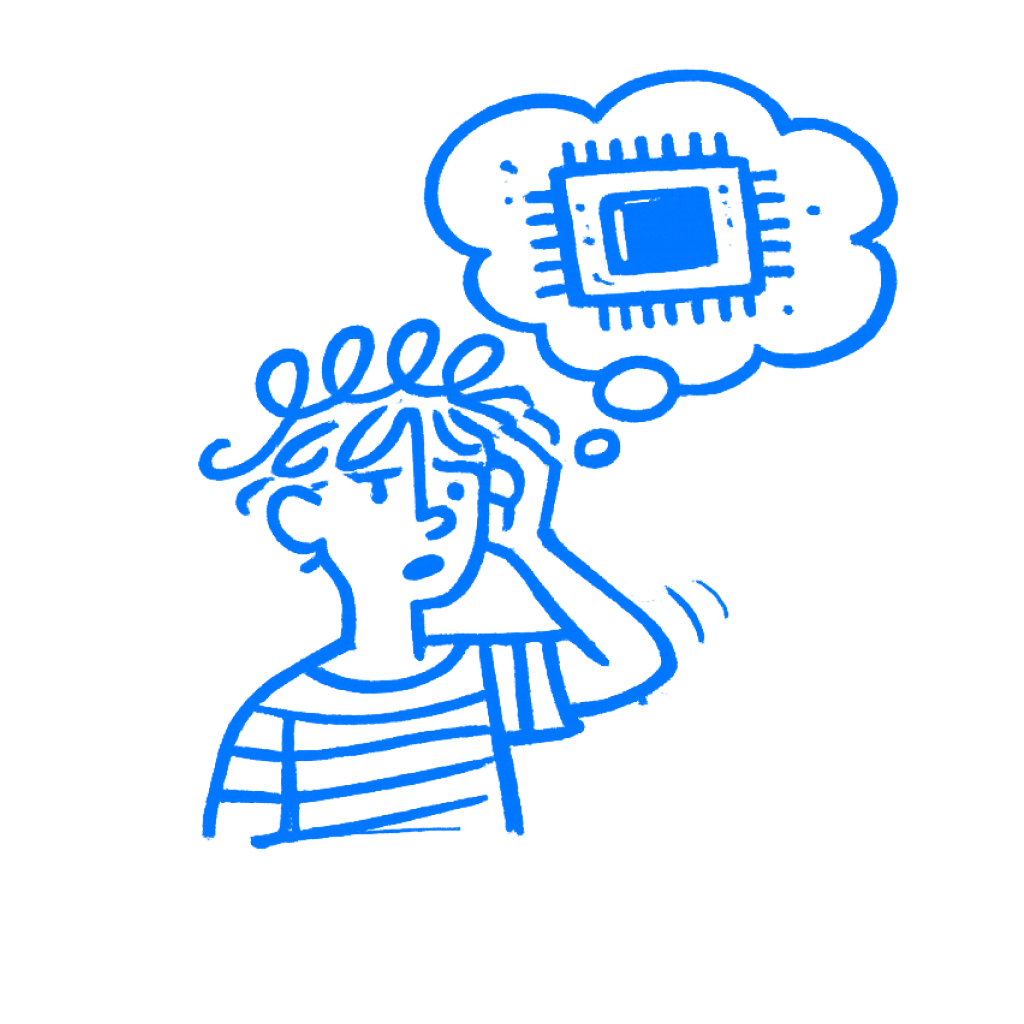
TL;DR: The forgetting curve means most users do not remember your interface well enough to rely on memory. Show people what they need instead of expecting them to recall it.
You design a feature, test it, and watch people say it makes sense. Three weeks later, half of them cannot find it. Not because the feature moved, but because they forgot where it was, what it was called, and how to use it. You built for a person who had just learned the product. Your users learned it once and then went back to the rest of their lives.
Memory is not a side detail of interface design. It is one of the main materials you are working with, and I forget product paths too if I do not touch them for a few weeks.
Every time a user returns to your product, they are not coming back fresh. Most arrive with a partial, faded version of what they knew before. The context has changed, and some of it has simply dropped away. If you design for the person who just finished onboarding, you are designing for someone who is gone by the time they come back.
People forget fast
Hermann Ebbinghaus spent years in the 1880s memorizing nonsense syllables and testing how fast he forgot them. His forgetting curve has held up for more than a century: memory drops fast, and not in a straight line, with most of the loss in the first hours after learning. What gets used again tends to stay. What does not starts fading almost at once.
Most of your users are not using your product every day. They open it when they need something, muddle through, and close the tab. The next time they arrive, they are trying to pull back a mental model that has been sitting untouched since the last session. That model has been fading the whole time. What they remember is softer and less complete than the product in front of them. That gap causes a lot of trouble, some of it loud and some of it invisible.
I think designers underestimate that gap because they live inside the product all week.
There is a second problem. Endel Tulving and Donald Thomson showed in 1973 that memory depends a lot on the situation you learned it in. It is not only that the right context helps. What you learn gets tied to the setting where you learned it, and without that setting it becomes harder to reach. It does not disappear. It just gets harder to grab in the wrong moment.
So a user who learned your settings panel during onboarding, with a progress bar at the top and a tooltip pointing at things, is in a completely different situation six weeks later when they are just trying to get something done. The demo went fine. They understood it then. That is not the same as being able to find it now.
Then we blame the user
Bruce Schneier wrote a short, irritated essay in 2016 about why security keeps failing. His argument was direct:
We’ve designed our systems so badly that we demand users do counterintuitive things.
He was writing about passwords, but the diagnosis fits anywhere a design breaks in use. The reflex is to blame the user. Maybe they missed it, skimmed it, or forgot. The better question is why the design leaned on memory in the first place.
Password rules are the clearest case. Minimum eight characters, one uppercase, one number, one special character, changed every ninety days. The logic is sound from a cryptography standpoint. What actually happens is predictable: users write the password on a sticky note near the monitor, reuse the same one with minor variations across every system, or lock themselves out on the third attempt and burn ten minutes on a reset. Enterprise security research has documented all three outcomes again and again. Each one is worse than a simpler, memorable password would have been.
The design asked more from memory than memory could reliably give, and security got worse.
Show it instead
Nielsen Norman Group’s research on recognition versus recall makes a practical point: showing users an option is faster and more reliable than asking them to remember it exists. That sounds obvious. Designers still miss it all the time.
Show a user’s recent files and they can spot what they need. Give them an empty search bar and expect them to type the filename from memory, and you are asking for recall. Put the next actions in plain sight and that becomes recognition.
Hide those actions inside a menu people have to remember to open, and you have built a memory problem nobody notices until support tickets pile up. Settings pages are full of this. Export actions buried in kebab menus are too.
Designers keep doing this because recall requirements are invisible during design. You know the menu is there. Opening it takes no effort. You have done it hundreds of times. I have missed this in my own work too. What you cannot see is what it costs someone who opened the product for the third time this month and genuinely cannot remember where that setting lives.
Go through a core flow and mark every step that requires users to remember something rather than recognize it. A label they have to already know. A path they have to recall. A term that only makes sense if they remember what it refers to. Each mark is a place where memory decay can break the experience.
Build for the person who forgot
Most products get optimized for their most engaged users: daily users, power users, people who have been inside the product long enough to internalize its logic. Those users are real. They are not most users.
Most users are occasional. They show up with faded memory, in a context that does not match where they first learned the thing, trying to do something before they get back to the rest of their day. Designing for them means accepting something uncomfortable. Your onboarding did not stick the way you hoped. The tooltips were closed. The walkthrough was skipped or forgotten. The clever terminology made sense when someone explained it and means much less now.
Godden and Baddeley’s 1975 research found that people recalled far less when the retrieval context did not match the learning context. Your product cannot recreate onboarding conditions on every return visit. What it can do is provide context cues: labels, visible affordances, and surfaces that show instead of ask.
The product that works for the person who forgot most of what happened last time usually works better for everyone else too. I trust that test more than a polished demo. I have seen too many clean demos fall apart a month later. The version built for people who remember everything mostly works for the people who made it.