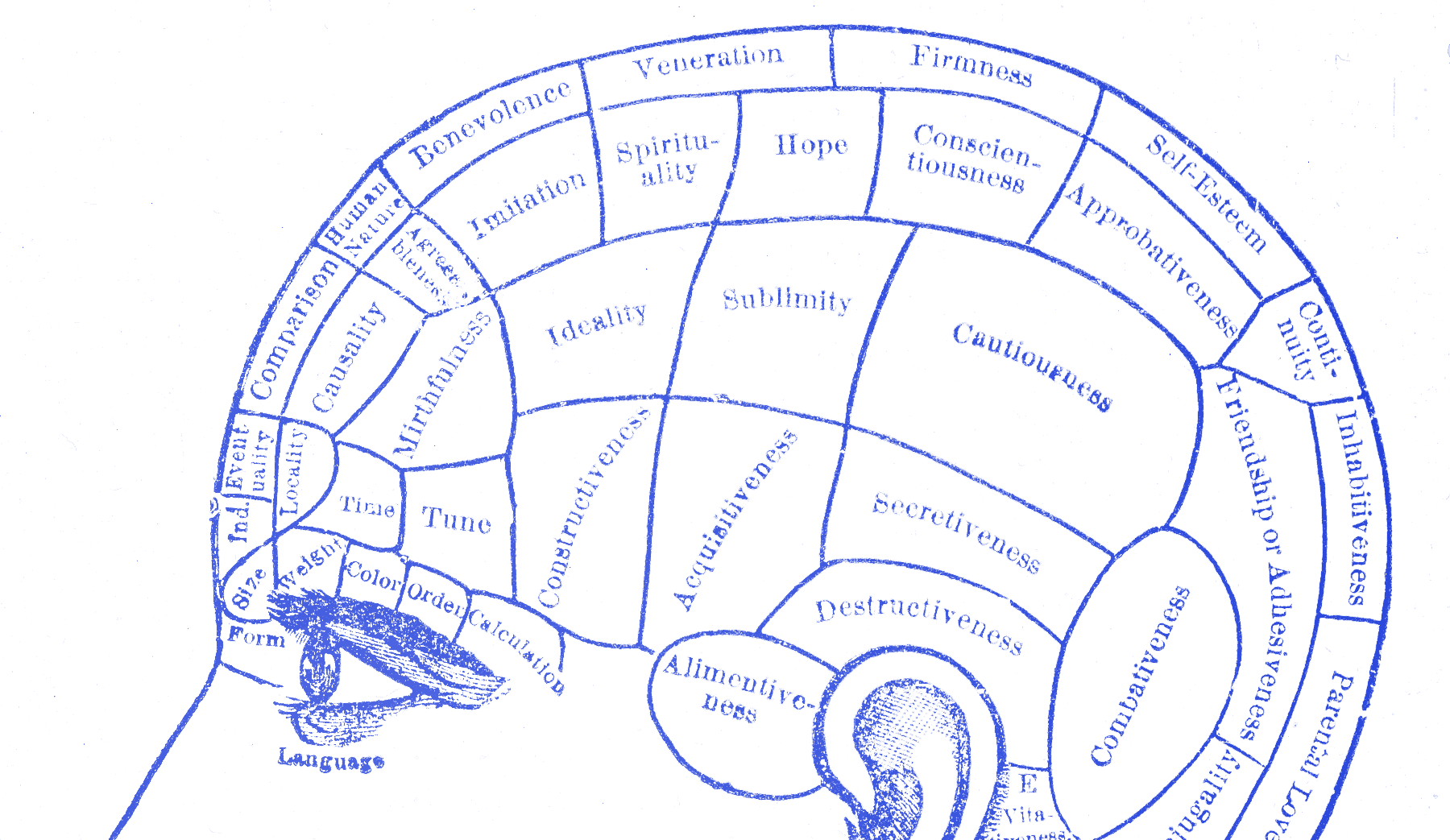
More Options Make Users Quit
Why adding features makes your product harder to use

TL;DR: Feature fatigue and Hick’s law mean more options usually make products harder to choose, learn, and use. Extra features may help you win the comparison table, but they often make the real experience worse.
You gave users more and made the product worse. That is the feature trap.
Teams keep adding capabilities because more options look like more value. Then the user opens the thing and has to choose, scan, compare, and second-guess their way through a product that was supposed to save them time.
People overbuy complexity
Debora Viana Thompson, Rebecca Hamilton, and Roland Rust named the pattern in 2005: feature fatigue. Before people own the product, extra features make it look capable. After they own it, those same features turn into things they have to choose around and work through.
Barry Schwartz pushed the same problem from another angle. More choice often creates more regret and more avoidance, not more satisfaction. William Hick measured the cost in simpler terms long before that: more options slow decisions down.
The problem here is not effort in general. It is the moment the user has too many paths, features, settings, or actions and the choice itself becomes the burden.
That burden shows up twice. First in the buying decision, where the fuller product looks safer because it seems to cover more cases. Then again in use, where the same abundance turns into menu weight, setup weight, and doubt. The thing that helped the product win the comparison can make the real work slower once the user is inside.
Most of what you added does not get used
In 2019, Pendo looked across 615 software products and found that 80 percent of features were rarely or never used. That number matters because unused features do not just sit in the codebase. They show up in menus, settings, onboarding, navigation, and comparison pages.
Every one of those features is another thing a user has to scan past or decide about. This is where teams fool themselves. They think unused features are harmless if the core task still works. They are not harmless. They keep asking the user to sort signal from noise. I have seen this happen on settings pages where people came to change one thing and got hit with fifteen.
They also change how the product feels before anyone uses the feature at all. A crowded toolbar says this will take work. A packed settings page says you need to understand the system before you can trust it. Even when users ignore half the controls, they still have to make sense of the product through all that clutter.
Jira became a product full of decisions
Jira started as a bug tracker. Then it grew. Custom fields. Permission layers. Issue types. Automation rules. More workflow states. More modules. More plugins. At scale, many teams end up needing admins just to keep the thing understandable.
I can still remember when we switched to Jira at Degreed. What hit me was not one bad feature. It was the pileup: navigation, options, actions, settings, choices everywhere. It felt heavy before I had even done the thing I came to do. My team and I started avoiding it whenever we could.
Complexity is not always bad. The problem is when a product keeps handing decisions to the user long after the main job is already clear. Linear built part of its appeal by pushing the other way: fewer custom decisions, more defaults, less asking.
Jira is a good example because the pain is not only that it takes effort. It is that it keeps making users decide things they never came to decide.
That does not mean every expert tool should be simple in the consumer sense. Some products really do need depth. The problem starts when the product hands expert-level choice to everyone by default, including people who came to do one plain thing and leave.
That distinction matters. Depth is not the enemy. Premature depth is. If a tool grows with the user, the extra capability arrives when context has caught up. If the tool dumps the whole decision tree on day one, the product is making the user pay for power they do not need yet.
That is one reason defaults matter so much here. Good defaults let the product make the easy decision for the user. Bad defaults dump the full burden back in their lap and call it flexibility.
Count the decisions
Run an options audit. Count the actual decisions a screen asks for: nav items, secondary actions, filters, tabs, modes, nested settings, and things that can be configured but rarely need to be. Then ask whether each one helps the main task for most users most of the time.
If not, cut it. And if you cannot cut it because advanced users truly need it, keep it out of the main path until the user actually needs it.
This is where progressive disclosure earns its keep. One obvious default. A smaller set of first choices. Extra control when the user asks for it or grows into it. That is not dumbing the product down. It is moving complexity later, when it is attached to a real need instead of dumped on everyone up front.
You can feel the difference fast when you use a product built this way. The main path moves. The advanced path waits. That is usually the right order. Ask less first. Ask more when the user has a reason to care.
Every option you add is another moment where the user can slow down, hesitate, or quit.